Terminal & Sessions
A terminal that thinks like you do.
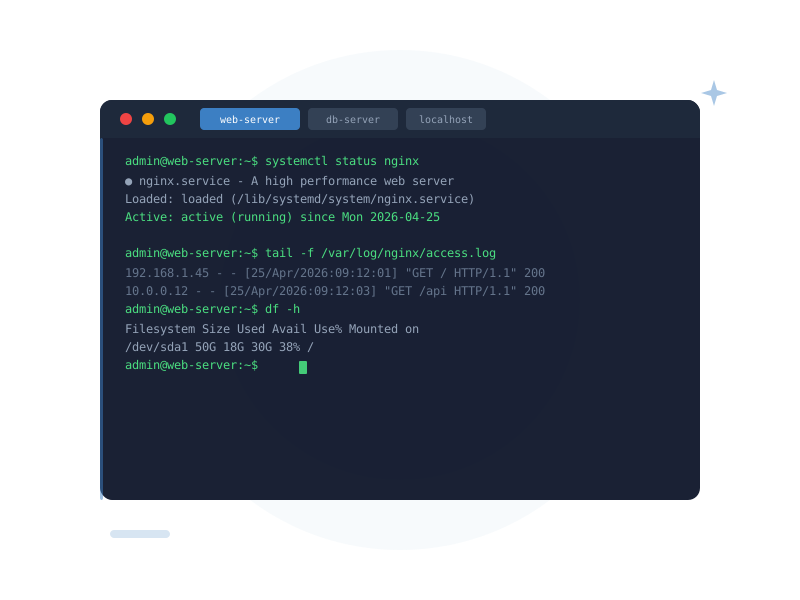
Full xterm-compatible terminal emulator with multiple tabs per host, custom fonts, colour themes, and a built-in localhost shell. Exactly what a developer needs — nothing they don't.
Built for real work, not demos
Multiple Tabs Per Host
Open as many terminal tabs to the same host as you need — parallel sessions, simultaneous commands, log tailing alongside editing. All in one window.
Real PTY — No Tricks
Each tab is backed by a real PTY on the server. Interactive programs like vim, htop, tmux, and ncurses apps all work exactly as they would in a native terminal.
Automatic Resize
Resize the window and the remote terminal resizes with it. Cols and rows are sent to the remote PTY automatically — no more scrambled output when you drag the window edge.
Built-in Localhost Terminal
No SSH hop needed for a local shell. DataraSSH creates a localhost tab on launch, backed by your native shell. One app for local and remote work — always.
Custom Fonts & Sizes
Choose any font installed on your system. Adjust font size live with the zoom control. A terminal that looks exactly the way you want it to.
Dark, Light & More
Multiple colour themes included — dark, light, solarized, nord, and more. Match your editor, match your mood.
Command Snippets
Command snippets — your shortcuts, amplified
Define trigger words that expand to full commands inside any terminal tab. Type #deploy and get your full deployment pipeline. Type #logs and get your log-tailing one-liner. Your muscle memory, supercharged.
- User-defined trigger words expand to full commands
- Snippet library managed from a dedicated settings panel
- Optional description to remind you what each snippet does
- Stored locally in SQLite — fast, private, always available
- Works in any terminal tab on any host
Split Panels
Side-by-side sessions — work smarter
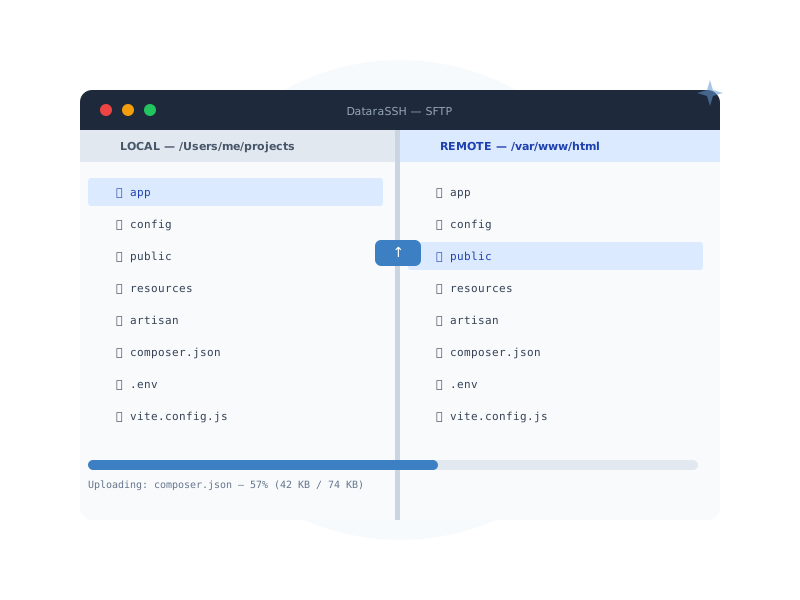
Split the panel into left and right views. Run a command on the left while watching logs on the right. Edit a config file in the code editor while tailing the process on a terminal tab beside it. Persistent split layout restored on every reconnect.
- Split any tab left or right with a single click
- Mix terminal, SFTP, and editor tabs in the same split
- Persistent layout — workspace restored on reconnect
- Drag-to-resize the split divider
What makes the DataraSSH terminal different
xterm
Compatible standard
PTY
Real pseudo-terminal
∞
Tabs per session
Ready to try it?
DataraSSH is free forever. Download it and connect to your first server in under a minute.
Download DataraSSH — Free Next: File Manager →