Browse, upload, edit. No FTP client needed.
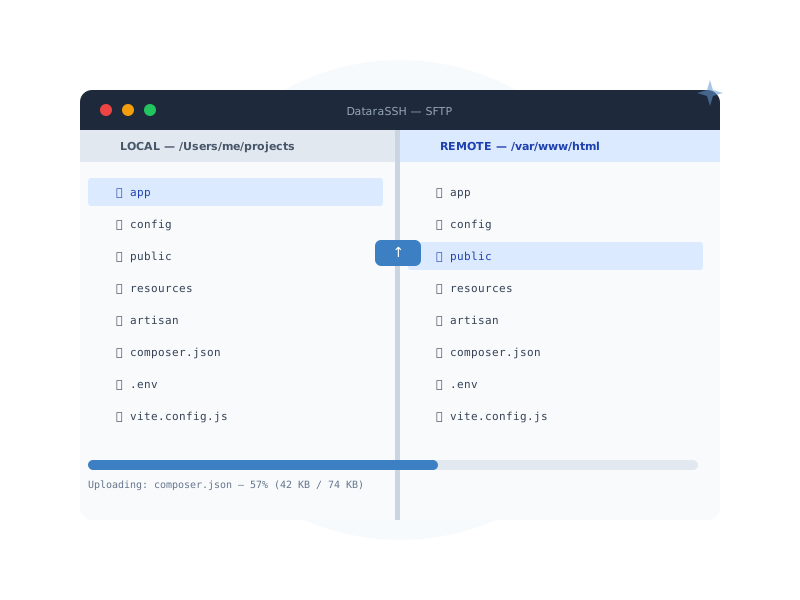
DataraSSH's built-in SFTP file manager gives you a two-pane split view — local on the left, remote on the right. Plus a full code editor that opens remote files directly. No download-edit-reupload cycle.
Everything a file manager should do
Two-Pane Split View
Upload & Download with Progress
Create, Rename & Delete
chmod & chown
Right-Click Context Menu
Large File Warning
Open remote files directly in the editor
Click any remote file to open it in the built-in CodeMirror editor. Syntax highlighting for 20+ languages, multiple colour themes, and dirty-state tracking that warns you before navigating away from unsaved changes. Remote editing has never felt this native.
- CodeMirror 6 editor with full syntax highlighting
- 20+ languages: JS/TS, Python, Go, Rust, PHP, SQL, YAML, Shell, and more
- 9 colour themes: One Dark, Dracula, Nord, GitHub Dark/Light, Monokai, and more
- Optional Emacs-style keybindings
- Dirty-state tracking — warns before you lose unsaved changes
- Editor tabs sit alongside terminal and SFTP tabs
Permissions management that doesn't make you guess
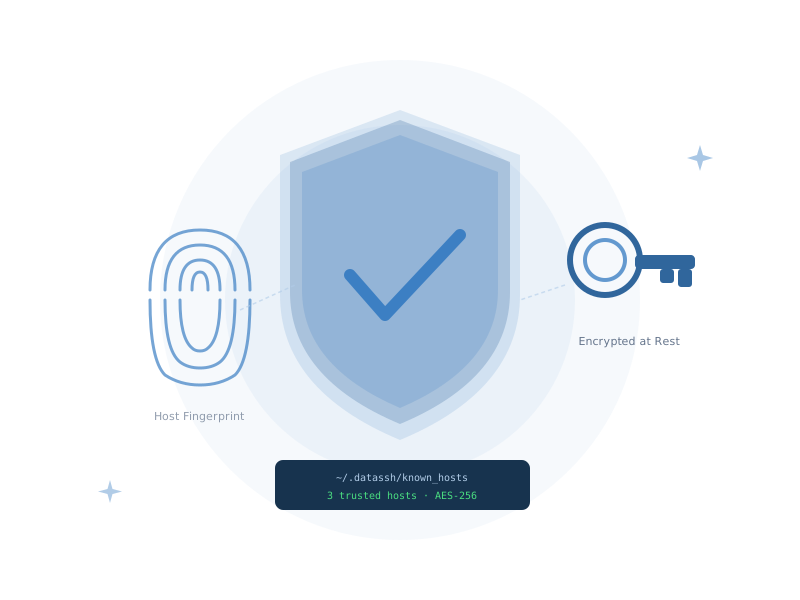
Right-click any remote file or directory to open a visual permission editor. Set owner, group, and others independently. Apply changes recursively to entire directory trees — with filters to target files only, directories only, or everything at once.
- Visual permission editor — no octal codes to memorise
- Recursive application with file/directory filtering
- chown support — change user and group ownership in one step
- Works on individual files or full directory trees
Ready to explore?
DataraSSH is free forever. Download it now and start managing remote files the way they should be managed.
Download DataraSSH — Free Next: Port Forwarding →