The SSH client your workflow deserves.
DataraSSH is a free, native macOS SSH client that goes way beyond a terminal. One app for terminal sessions, file management, remote editing, and port forwarding — free forever.
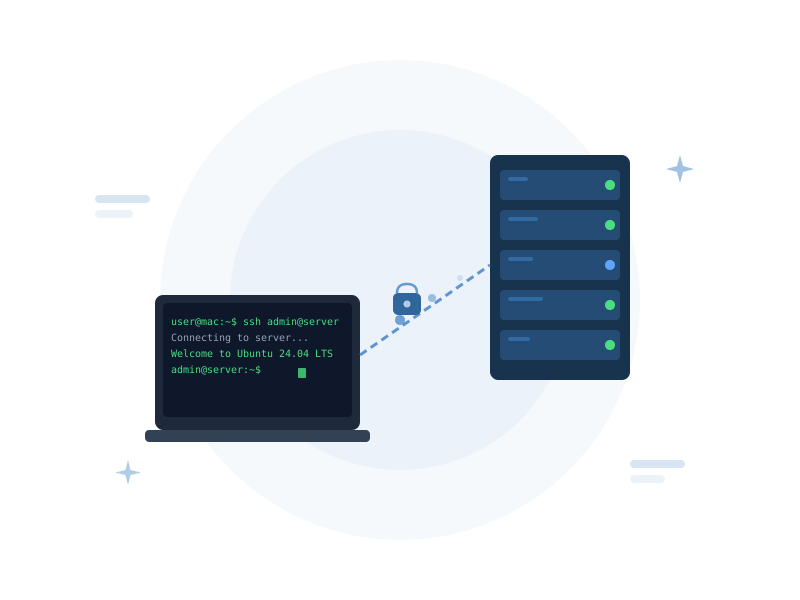
One app. Everything you need on a remote server.
Most developers juggle three or four separate tools to manage remote servers. DataraSSH puts terminal, SFTP, code editor, and port forwarding in a single, fast, native app — built by Datara, free forever.
Full Terminal Emulator
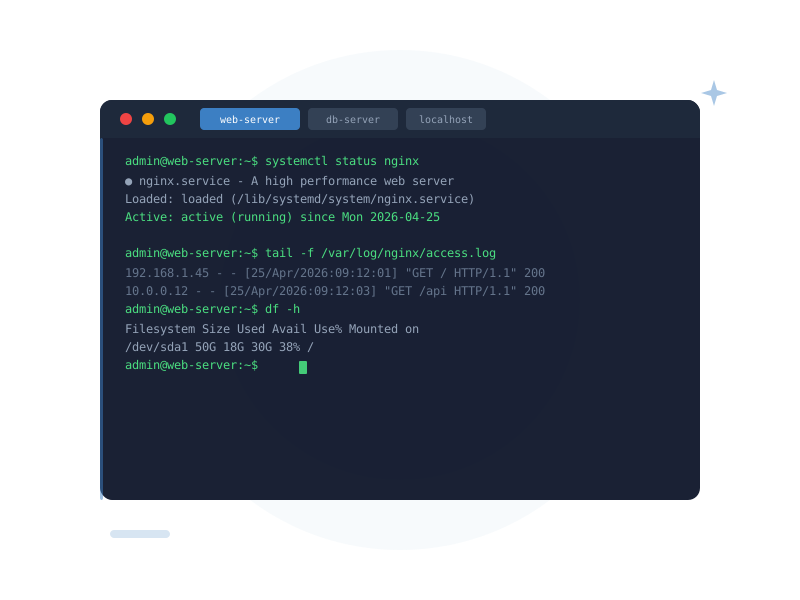
xterm-compatible terminal with multiple tabs per host, custom fonts, and colour themes. Includes a built-in localhost tab — a local shell the moment the app opens.
Explore Terminal →SFTP File Manager
Two-pane split view — your machine on the left, the remote on the right. Browse, upload, download, rename, chmod, and right-click to do it all. No FTP client needed.
Explore File Manager →Remote Code Editor
Open remote files directly in a CodeMirror editor with syntax highlighting for 20+ languages and multiple colour themes. Edit and save — no download-edit-reupload loop.
Open & Edit Remotely →Port Forwarding
Save local and remote port forwarding rules per host. Auto-start tunnels on connect. Live view of active forwards — perfect for reaching internal services.
Explore Port Forwarding →Jump / Bastion Hosts
Secure by Default
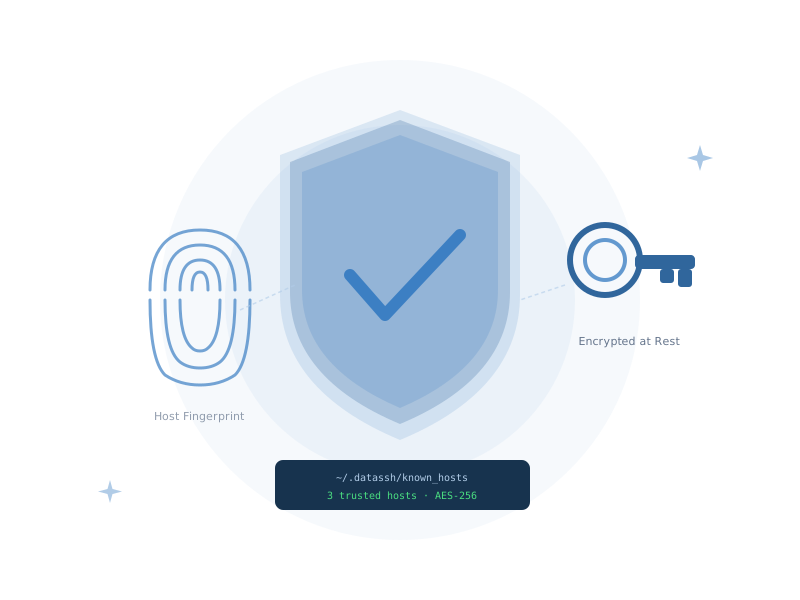
Passwords and key passphrases encrypted at rest. Explicit host key verification on first connect. Optional app lock with inactivity timeout.
Explore Security →Stop switching apps. Start shipping.
DataraSSH brings terminal, SFTP, code editor, and port forwarding into one cohesive window. A tab bar keeps everything organised — and split panels let you work on two things side by side without juggling windows.
- Terminal, SFTP, editor, and port forward tabs per host
- Split left/right panels for side-by-side working
- Persistent tab state — your workspace survives reconnects
- Built-in localhost terminal — a local shell from the first second
Your hosts, perfectly organised
Save unlimited SSH hosts with names, colour labels, groups, and favourites. Import a host in one click from a datara-ssh:// deep link. Lock entries to prevent accidental edits. Every setting you'd want — and none you wouldn't.
- Unlimited saved hosts with colour-coding and groups
- Favourites for instant access to frequent connections
- Host locking to protect production credentials
- One-click import via datara-ssh:// deep links
- Auto-created localhost entry — terminal ready at launch
DataraSSH by the numbers
What developers are saying
I stopped switching between iTerm, Transmit, and VS Code Remote. DataraSSH does everything in one window. The SFTP panel alone saved me an hour a day.
The port forwarding auto-start feature is the killer for me. My database tunnel is just there, automatically, every time I connect. No more manual forwarding commands.
Free. Forever. No strings.
DataraSSH is free to download and use — forever. No subscription, no trial period, no feature gates. Built and maintained by Datara.
Download DataraSSH — Free