Secure by design. Private by default.
DataraSSH takes security seriously at every layer — encrypted credential storage, explicit host key verification, and an optional app lock with inactivity timeout. Your servers are in safe hands.
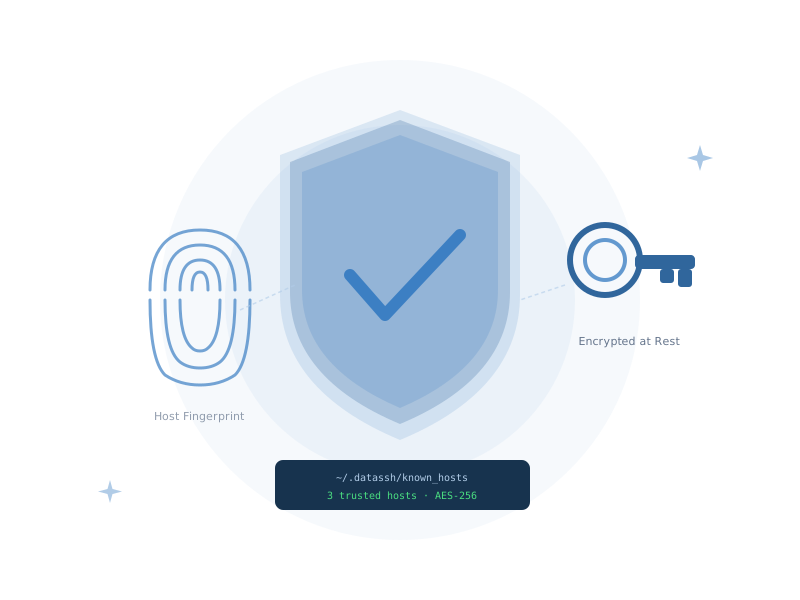
Security built into every layer
Encrypted Credentials
Host Key Verification
Separate known_hosts
Secure Mode — App Lock
SSH Agent Forwarding
Multiple Auth Methods
Know exactly who you're connecting to — every time
DataraSSH displays the remote server's full cryptographic fingerprint the first time you connect to any host. You make an explicit, informed decision to trust it. On every subsequent connection, DataraSSH verifies the key matches — any change is flagged immediately with a prominent warning.
- Full fingerprint shown before the very first connection
- Explicit trust required — no silent acceptance
- Keys stored in ~/.datassh/known_hosts (separate from system OpenSSH)
- Changed host keys trigger an immediate, prominent warning
- Protects against man-in-the-middle attacks on every session
Lock the app when you step away
Enable Secure Mode to protect your saved hosts, credentials, and active sessions behind a bcrypt-hashed password. Set an inactivity timeout so the app locks itself. Or configure lock-on-focus-loss — for the most security-conscious workflows where leaving a screen unattended is not an option.
- App-level lock with bcrypt-hashed password
- Configurable inactivity auto-lock (timeout in seconds)
- Lock-on-focus-loss for maximum protection
- Active sessions and credentials protected behind the lock screen
- One-click manual lock from anywhere in the app
Security you can measure
The secure SSH client for professionals.
DataraSSH is free forever. Download it now and set up your first secure connection in minutes.
Download DataraSSH — Free